RedFox AI Phishing Defender
Protect your computer and laptop from phishing attacks with advanced AI technology. Simple to use. Works automatically. Keeps your entire family safe.
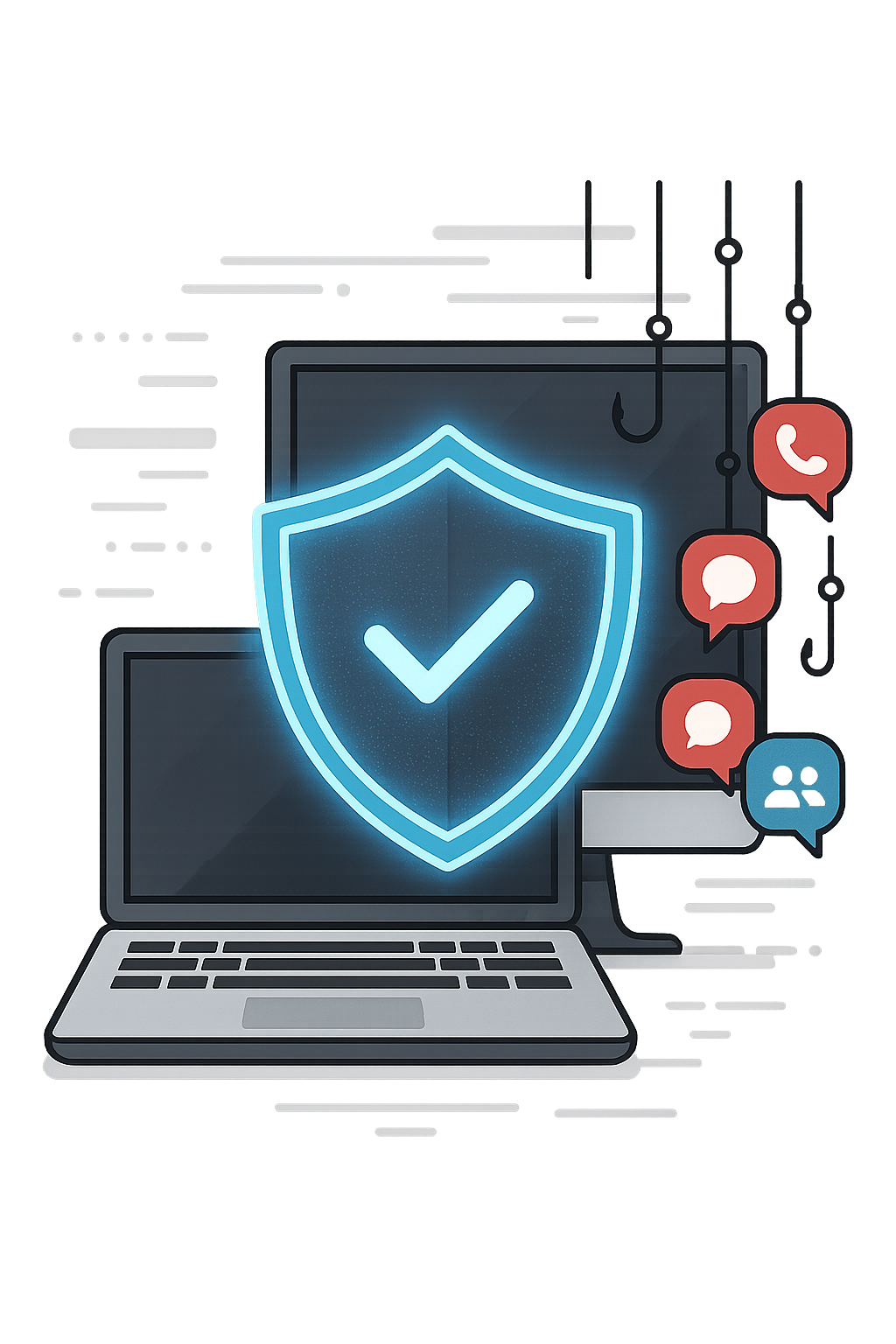
Protect your computer and laptop from phishing attacks with advanced AI technology. Simple to use. Works automatically. Keeps your entire family safe.
One click can change everything. Here's what's at stake.
What is Phishing? Criminals send messages that look like they're from your bank, Amazon, a friend, or tech support. They want you to click a link or open a file. Sometimes they steal your passwords from a fake site. Often it's worse - one click can silently install harmful software that empties your bank account, locks your files, or steals your identity.
Where it happens: WhatsApp and Messenger, email, fake customer-support links, shopping scams, or when your kids download something that looks innocent. If you use the computer, you're a target.
The damage can be catastrophic - money gone overnight, life savings stolen, years of family photos locked by ransomware, identity theft that takes years to fix. And ordinary antivirus can't see inside your messaging apps, so by the time it notices, it's often too late.
Why traditional antivirus isn't enough: It can't see what's happening inside WhatsApp, Messenger, or other chat apps. It can't check the links in those conversations. Phishing attacks change every day - your antivirus database can't keep up.
Everyone who uses your computer is at risk - your spouse, your teenager, your parents, your kids. One person clicking one link can put your whole family's finances and data in danger.
The good news: You don't have to be an expert to stay safe. You need protection that works where the attacks actually happen - inside your messaging apps, on your computer, in real time, before anyone clicks.
Protection that works where the attacks happen - inside your apps, before anyone clicks.
Traditional antivirus can't see what's happening inside WhatsApp, Messenger, Telegram, or other chat apps on your computer. It can't check the links in those conversations. By the time it notices something's wrong, the damage is often already done.
RedFox AI Phishing Defender was built to fix that. It monitors every messaging app on your computer in real time and uses AI to spot and block dangerous links before anyone clicks. Same kind of technology big companies use - but you get it in one simple app.
No setup, no registration, no technical know-how. Install with one click and you're protected. When a threat appears, a clear red warning shows on your screen and the link is blocked. It runs quietly in the background and protects everyone who uses your computer - your family doesn't have to do a thing.
Download and install RedFox AI Phishing Defender with a single click. No configuration needed.
Runs quietly in the background, watching WhatsApp, Messenger, Telegram, and more.
When a phishing link appears, RedFox's AI analyzes it immediately using advanced machine learning.
A large red warning appears on your screen with an audio alarm. The dangerous link is blocked instantly.
Works 24/7, protecting everyone who uses your computer without them needing to do anything.
You're not just protecting your family – you're protecting your livelihood. Whether you run a home-based business, manage a small shop, or work remotely for clients, your computer is your business headquarters. And criminals know it.
Why Small Businesses Are Prime Targets
Cybercriminals specifically target small businesses and home offices because they know you don't have the large IT security budgets of big corporations. You're running your business, answering customer messages on WhatsApp, engaging with clients on Instagram, coordinating with suppliers on Messenger, handling payments, managing sensitive client information – all while trying to grow your business.
One successful phishing attack can devastate a small business: stolen customer data, compromised bank accounts, ransomware locking your files right before a deadline, or malware that gives hackers access to your clients' information. The financial damage can put you out of business. The reputational damage can take years to recover from.

You Deserve Enterprise-Level Protection
RedFox AI Phishing Defender gives you the same advanced protection that Fortune 500 companies use – but without the complexity or enterprise price tag. Install it once on your work computer, and it protects every business conversation, every customer interaction, every transaction.
Whether you're chatting with customers, receiving files from suppliers, or clicking links from new business contacts – RedFox watches everything in real-time and blocks threats before they can harm your business.
Simple. Affordable. Professional-grade protection for your small business.

WhatsApp, Facebook Messenger, Instagram, Telegram, and more – RedFox monitors every messaging app on your computer. Whether you're using desktop apps or web versions, you're protected across the board.
Download, click install, and you're done. No complicated setup. No technical knowledge needed. No configuration required. RedFox starts protecting you immediately, working silently in the background.
Whether you use Windows or Mac, desktop apps or web versions, RedFox AI Phishing Defender has you covered. One solution for your home office, family computers, or small business.
Kids, teenagers, parents, grandparents – everyone who uses your computer is automatically protected. No training needed. No behavior changes required. RedFox guards everyone equally.
Phishing attacks are designed to steal your passwords, credit card numbers, and personal information. RedFox blocks these attempts before they can trick you, keeping your identity and finances safe.
Your privacy matters. RedFox doesn't require you to create an account or provide any personal information. All analysis happens locally on your computer. We never see, store, or share your data.
🍎 Mac: Download from Mac App Store
💻 Windows: Download for Windows
One-click installation • Works immediately • No registration required


(c) RedFox Cyber Security Solutions by NTrigo | Privacy Policy | Terms of Use | Trust & Security